How to Spot AI-Generated Images Online
Why Spotting AI-Generated Images Matters in 2026
AI image generators like Midjourney, DALL-E 3, Stable Diffusion, and Flux have reached a point where their output is virtually indistinguishable from real photographs at first glance. This creates an urgent need for reliable methods to identify AI-generated images — whether you're a journalist verifying sources, a content moderator filtering uploads, or simply a curious internet user trying to separate fact from fiction.
In this guide, we'll walk through every proven technique for spotting AI-generated images online, from simple visual inspection to advanced forensic tools.
1. Look for Visual Clues
Despite massive improvements, AI generators still produce telltale artifacts if you know where to look:
Hands and Fingers
AI models have historically struggled with hands. Look for:
- Extra or missing fingers
- Fingers that merge or split unnaturally
- Unusual bending at joints
- Inconsistent finger lengths
Eyes and Teeth
- Asymmetric pupils — different shapes or sizes between left and right eyes
- Unnatural reflections — the highlights in each eye should match; AI often generates mismatched reflections
- Teeth irregularities — blurred boundaries between individual teeth, or an incorrect number of teeth visible
Text and Writing
AI-generated text within images is often garbled. Examine signs, labels, logos, and any readable text — misspellings or nonsensical letter combinations are strong AI indicators.
Backgrounds and Edges
- Blurred or melting backgrounds that don't match the subject's focus
- Objects that fade into each other without clear boundaries
- Repeating patterns or impossible architectural geometry
2. Check the Image Metadata
Every digital image carries metadata — technical information embedded in the file. Authentic photographs contain rich EXIF data from the camera, while AI-generated images typically have minimal or no camera metadata.
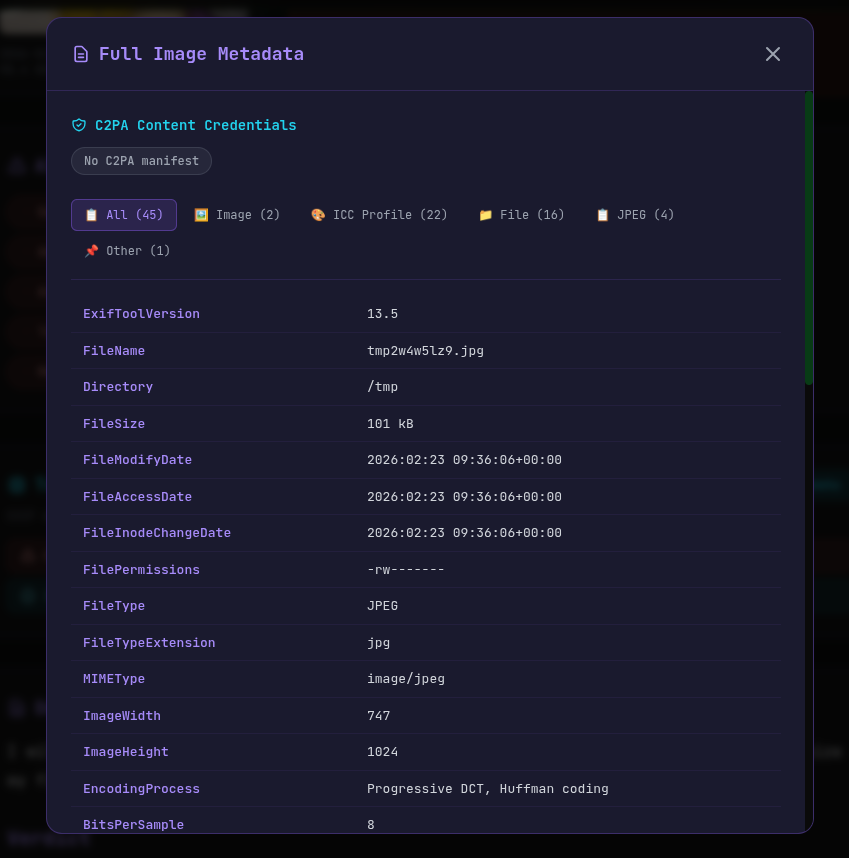
What to look for:
- Camera make and model — Real photos include this; AI images don't
- Lens information — Focal length, aperture, and ISO are present in authentic photos
- GPS coordinates — Location data is often embedded by smartphones
- Software field — AI images may list generation software (e.g., "Adobe Firefly", "Midjourney")
- Digital Source Type — C2PA-compliant AI tools tag images with
trainedAlgorithmicMedia
You can check metadata for free using AI Photo Check's EXIF Viewer.
3. Verify C2PA Content Credentials
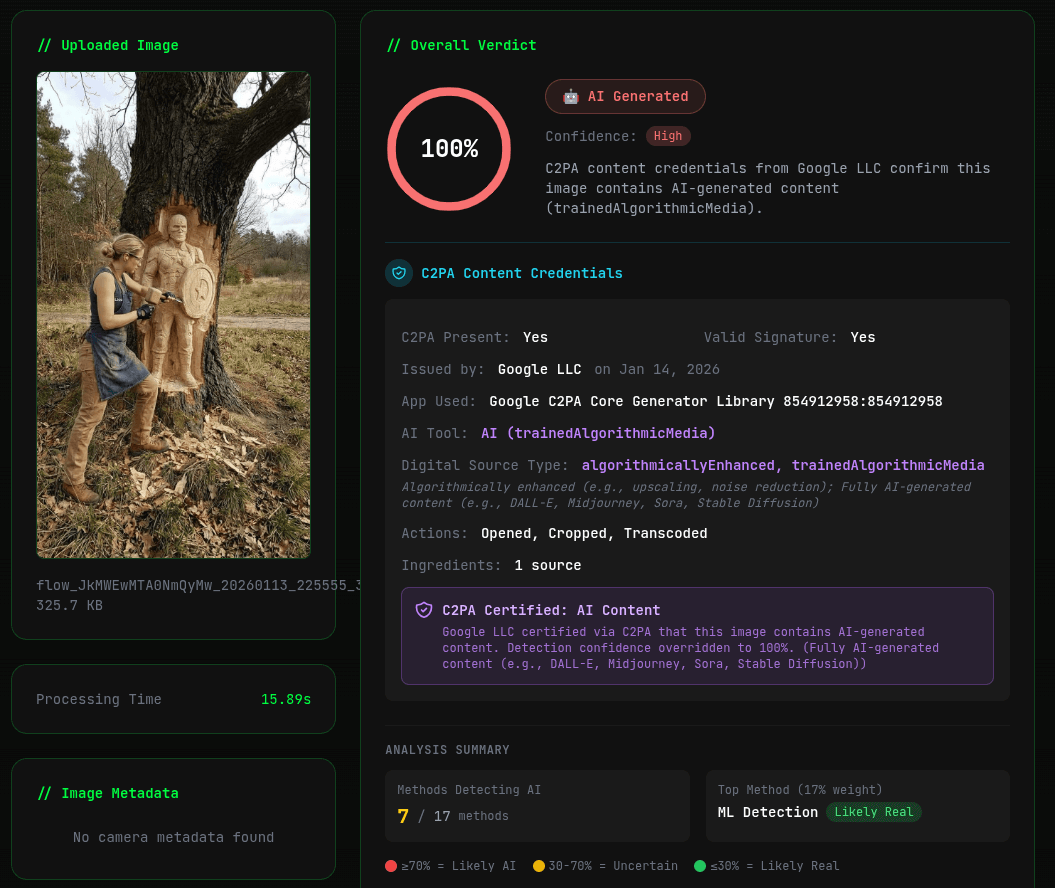
The C2PA (Coalition for Content Provenance and Authenticity) standard embeds cryptographically signed provenance data into images. Major AI providers — including Google, Adobe, Microsoft, and OpenAI — now embed C2PA credentials in their AI-generated images.
Use the C2PA Checker to instantly verify whether an image has content credentials. If the digital source type shows trainedAlgorithmicMedia, the image was generated by AI.
4. Use AI Detection Tools
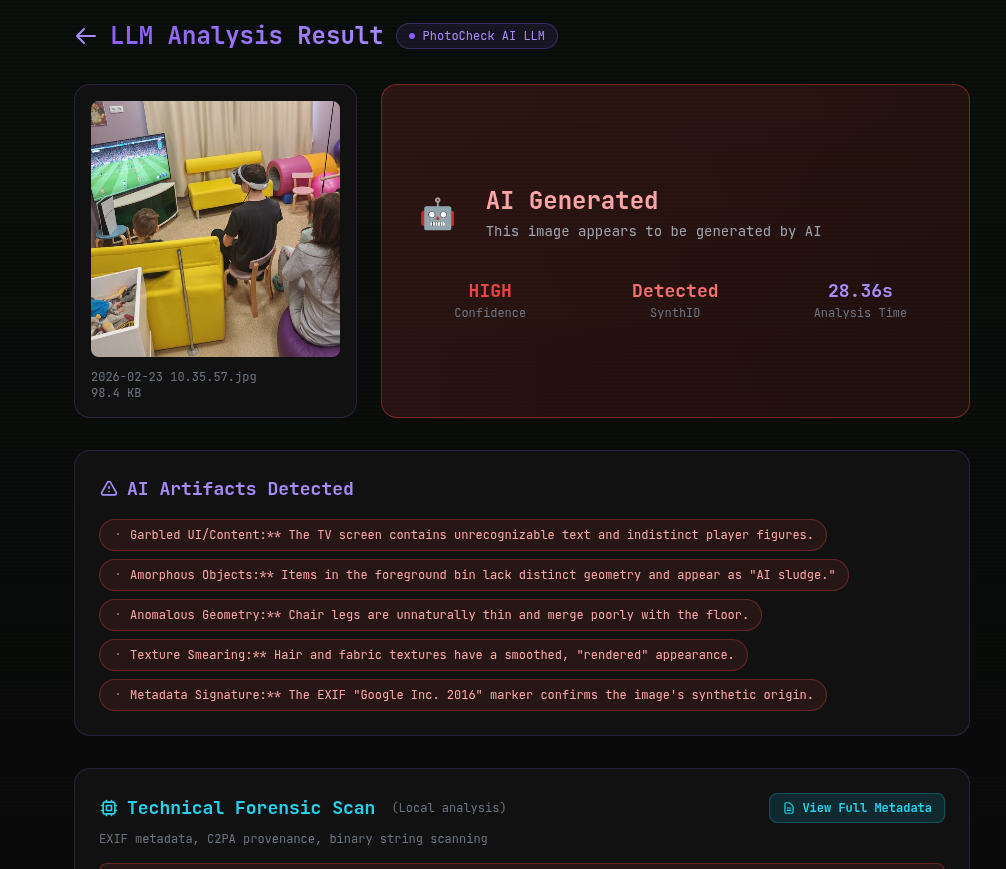
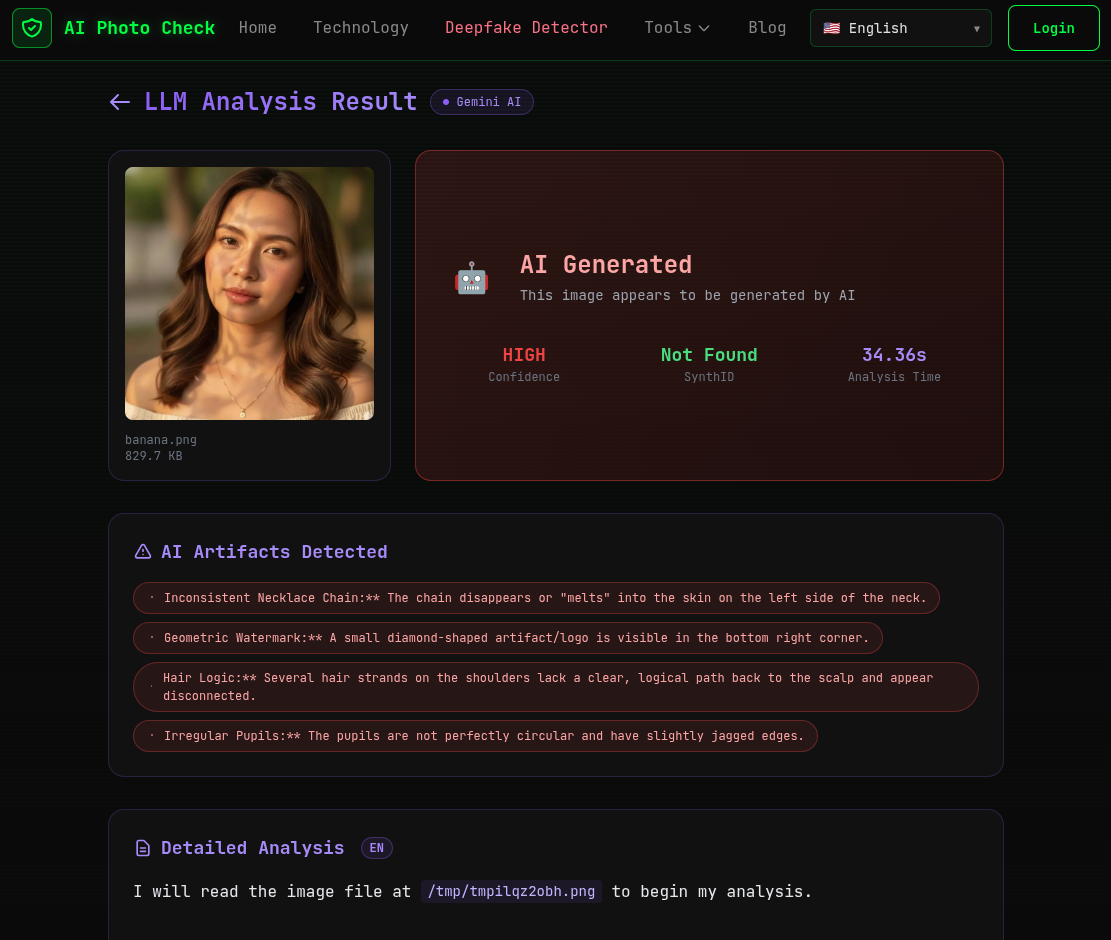
The most reliable way to spot AI-generated images is to use a purpose-built detection tool. AI Photo Check's AI Image Detector V2 combines LLM-powered visual analysis with technical forensic scanning to achieve over 95% accuracy.
How V2 works:
- Upload any image — JPEG, PNG, or WebP up to 10MB
- LLM analysis — Google Gemini 2.0 Flash examines micro-textures, anatomical consistency, physics, and semantic coherence
- Forensic scanning — EXIF analysis, C2PA verification, SynthID detection, and binary marker scanning
- Get a verdict — Clear AI Generated / Likely Authentic result with confidence level and detailed explanation
5. Try a Reverse Image Search
If an image seems suspicious, run a reverse image search on Google Images or TinEye. If the image has no prior appearances online and no original source, it may have been freshly generated by AI.
6. Consider the Context
Beyond the image itself, context clues can help:
- Account history — New accounts sharing viral images are suspicious
- Image consistency — Does the subject appear in other photos from different angles?
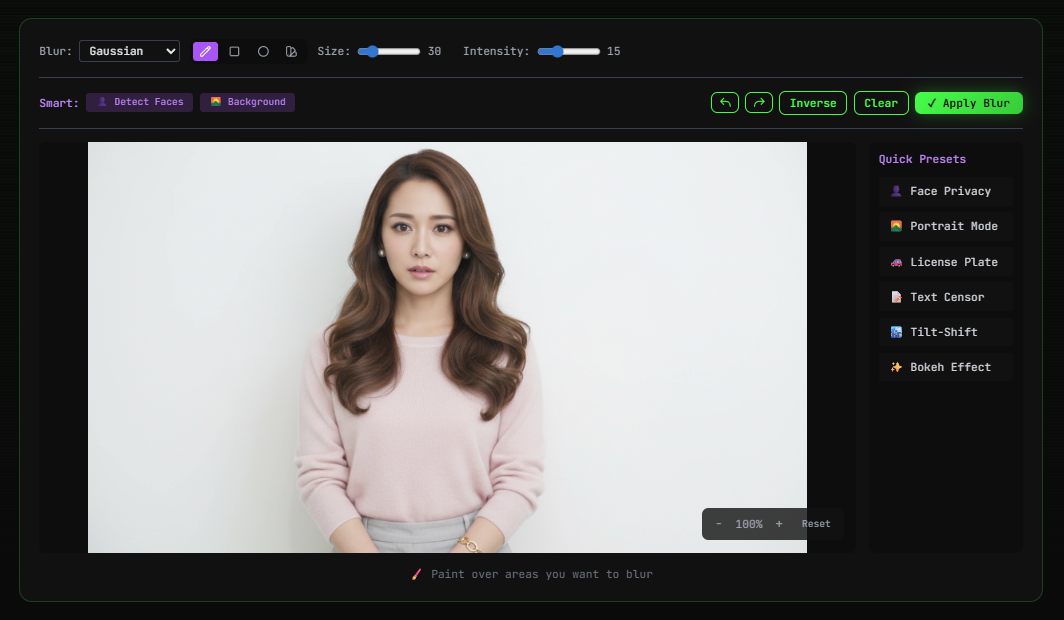
- Too perfect — AI images often look unusually polished with perfect skin, lighting, and composition
- Emotional manipulation — AI-generated images are increasingly used to create emotionally charged content for engagement or misinformation
Combine Multiple Methods for Best Results
No single technique is foolproof. The most reliable approach combines:
- Visual inspection for obvious artifacts
- Metadata analysis for technical evidence
- C2PA verification for provenance data
- AI detection tools for comprehensive analysis
AI Photo Check combines all of these methods in one platform — offering EXIF analysis, C2PA verification, SynthID detection, and LLM-powered visual analysis in a single upload.
Try AI Image Detector V2 Now — Free, No Sign-Up Required →
Last updated: February 23, 2026.
Ready to verify your images?
Try our free AI image detector with 17 detection methods and 90%+ accuracy.
Try AI Photo Check Free