How To Identify AI Images — How To Spot AI Images 2026
AI Images Are Everywhere in 2026
In 2026, AI-generated images have flooded every corner of the internet. From social media to news articles, dating profiles to product listings, the ability to identify AI images has become an essential digital literacy skill. With generators like Midjourney v6, DALL-E 3, Stable Diffusion 3.5, Flux 1.1 Pro, and Google Imagen 3 producing stunningly realistic images, the old "it just looks fake" approach no longer works.
This comprehensive guide covers every method available in 2026 to identify AI-generated images, from beginner-friendly visual checks to advanced forensic analysis.
Beginner: Visual Identification Techniques
The Zoom Test
Zoom into the image at 200-400%. AI-generated images often reveal their nature at close inspection:
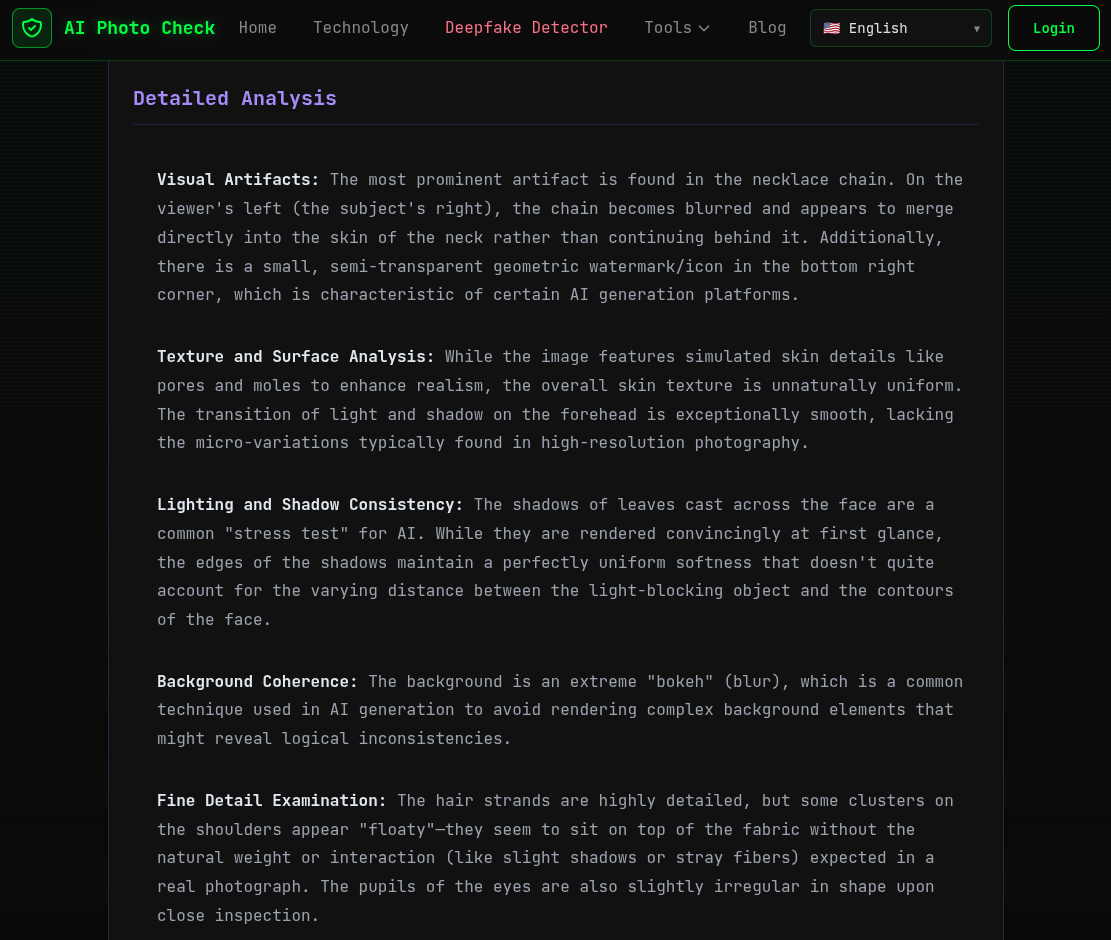
- Skin textures — AI skin often appears too smooth or has a strange, waxy quality. Real skin has pores, fine hairs, and imperfections
- Hair strands — Individual hairs in AI images tend to merge or disappear unnaturally at the edges
- Fabric patterns — Clothing textures may repeat in impossible ways or have inconsistent weave patterns
- Background details — Trees, buildings, and objects in the background often show impossible geometry or melting artifacts
The Symmetry Check
While human faces aren't perfectly symmetrical, AI sometimes creates too much symmetry or inconsistent asymmetry:
- Earrings or jewelry that differ between sides
- Clothing patterns that don't match across the symmetry line
- Eye reflections showing different environments
The Physics Check
- Light direction — Shadows should all point in a consistent direction from a single light source. AI often creates contradictory shadow angles
- Reflections — Check mirrors, water, and glossy surfaces. AI reflections frequently don't match the scene
- Depth of field — The blur pattern should be physically consistent with a real camera lens
Intermediate: Metadata Forensics
EXIF Data Analysis
Real photographs carry a wealth of EXIF metadata from the camera. Use AI Photo Check's EXIF Viewer to examine:
| Metadata Field | Real Photo | AI Image |
|---|---|---|
| Camera Make/Model | Present (e.g., "Canon EOS R5") | Usually absent |
| Lens Info | Present (e.g., "RF 24-70mm f/2.8") | Always absent |
| Exposure Settings | ISO, shutter speed, aperture | Usually absent |
| GPS Coordinates | Often present (smartphones) | Always absent |
| Software | Camera firmware or editor | May show AI tool name |
| Date/Time Original | Capture timestamp | Usually absent or generic |
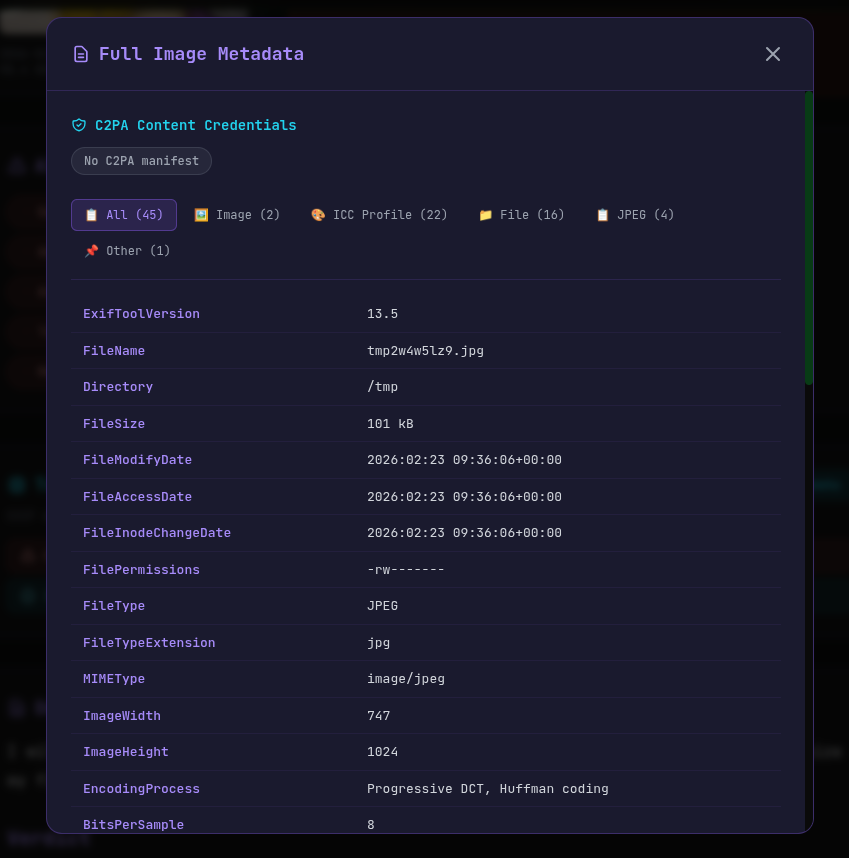
C2PA Content Credentials
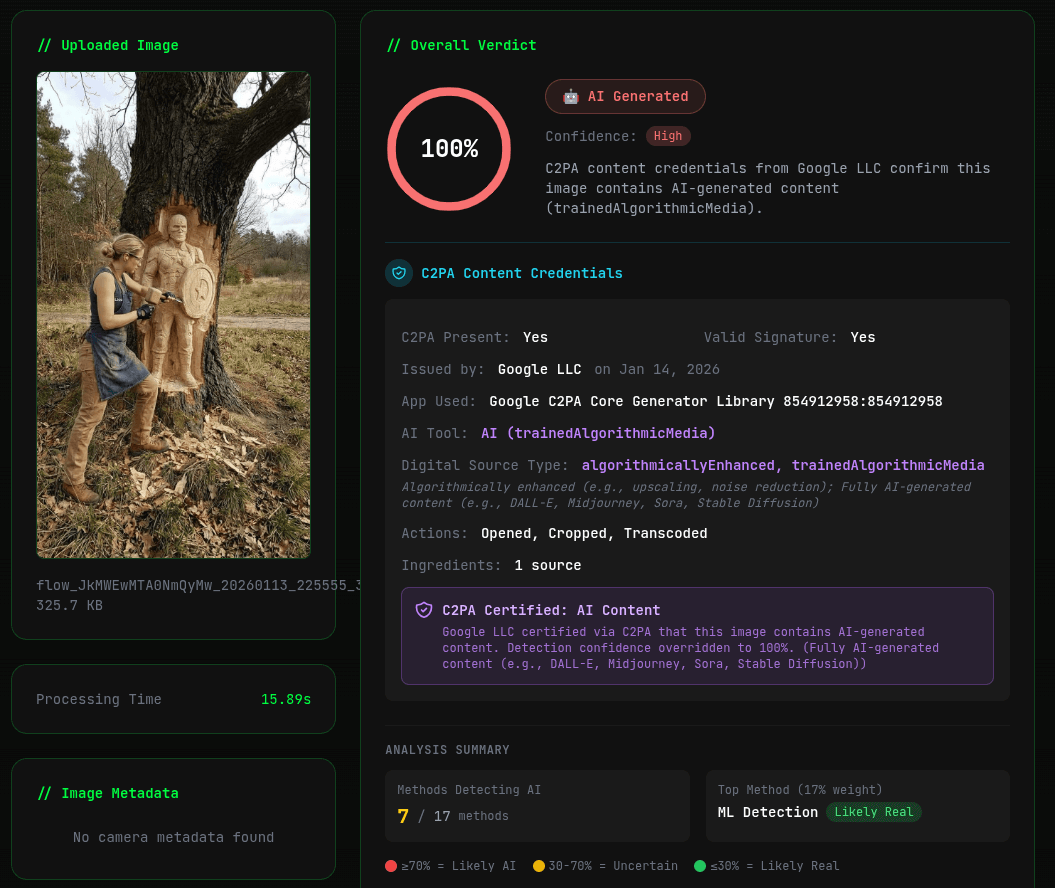
The C2PA standard is the most reliable single indicator of AI-generated content. Major AI providers now embed cryptographically signed metadata that definitively identifies an image as AI-generated. Check any image with AI Photo Check's C2PA Checker.
SynthID Watermarks
Google embeds invisible SynthID watermarks in images from Gemini and Imagen. Unlike C2PA, SynthID survives screenshots and compression. AI Photo Check can detect SynthID watermarks automatically.
Advanced: AI-Powered Detection Tools
The most effective method in 2026 is using purpose-built AI detection tools. AI Photo Check's V2 detector uses Google Gemini 2.0 Flash to perform deep visual analysis that catches what human eyes miss.
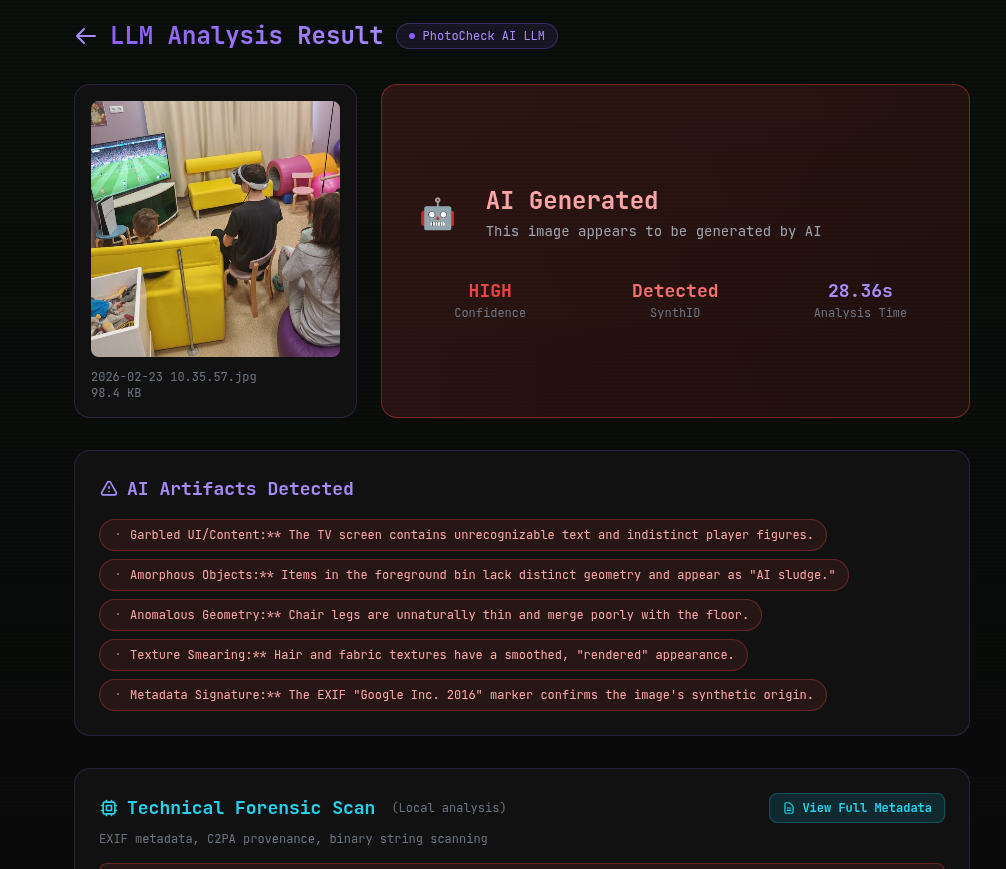
What V2 Analyzes:
- Micro-texture patterns unique to each AI generator
- Anatomical consistency — fingers, joints, teeth, pupils
- Physics verification — lighting, shadows, reflections
- Semantic coherence — do all elements of the image make logical sense?
- Generator fingerprints — identifying which specific AI model created the image
Model-Specific Tells in 2026
Midjourney v6
Known for very high quality but sometimes produces overly "cinematic" lighting, slightly unrealistic skin textures, and occasional inconsistencies in background architecture.
DALL-E 3 / ChatGPT
Tends to produce images with a particular "clean" aesthetic, sometimes with overly saturated colors. Text rendering has improved but still sometimes produces subtle errors.
Stable Diffusion 3.5
Can show slight color banding in gradients and occasional face distortions at non-standard aspect ratios.
Flux
Among the most photorealistic, but can produce subtle repetition in textures and backgrounds that trained eyes (or AI detectors) can spot.
The Complete Identification Workflow
- Quick visual scan — Check hands, eyes, text, and backgrounds (30 seconds)
- Zoom and inspect — Look at details at 200%+ magnification (1 minute)
- Upload to AI Photo Check — Get automated forensic analysis including EXIF, C2PA, SynthID, and LLM analysis (30-60 seconds)
- Review the verdict — Combine all evidence for a confident determination
Identify AI Images Instantly — Try V2 Detector Free →
Last updated: February 23, 2026.
Ready to verify your images?
Try our free AI image detector with 17 detection methods and 90%+ accuracy.
Try AI Photo Check Free